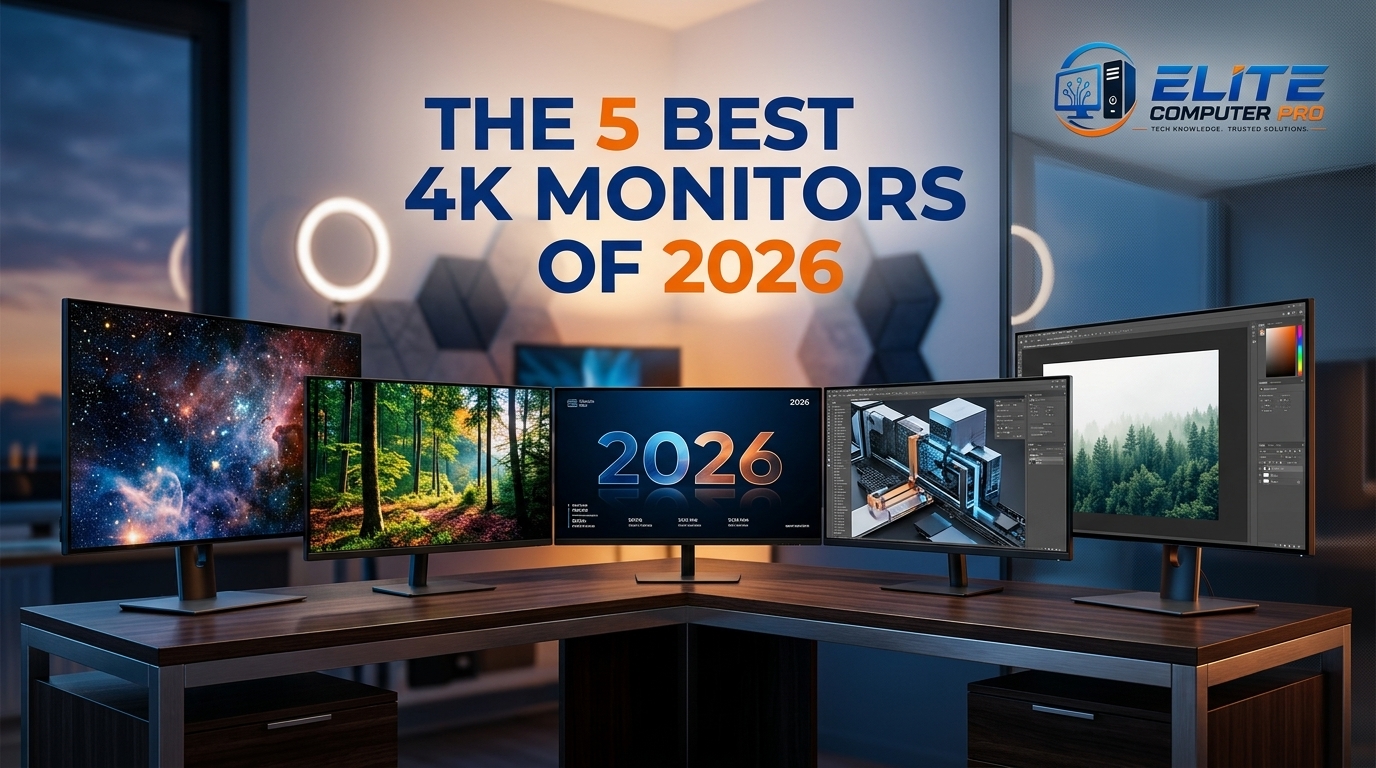
In 2026, the monitor market is packed with options. Some are perfect for gaming. Others focus on productivity, color accuracy, or HDR entertainment. There are OLED panels, Mini LED displays, IPS screens, ultrafast refresh rates, and features like USB-C charging and KVM switches.
I still remember the first time I switched from a regular 1080p monitor to a proper 4K display. I opened Photoshop, zoomed into an image, and honestly thought something was wrong because everything looked too sharp. Text looked cleaner, videos felt more detailed, and even simple tasks like browsing or editing documents became easier on the eyes.
A few years ago, I bought a cheap 4K screen thinking resolution alone would solve everything. The colors looked washed out, HDR barely worked, and gaming felt sluggish. That experience taught me something important choosing the best 4K monitor is about much more than pixel count.
That is why this guide help, Whether you are:
- A gamer building a high end setup
- A creator editing photos or videos
- A student working long hours
- A remote worker using multiple devices
- Or someone upgrading their desk setup
Table of Contents
Why 4K Monitors Are Worth It in 2026
A good 4K monitor changes the way your computer feels.
The higher resolution gives you:
- Sharper text
- Better image detail
- More screen space
- Cleaner video quality
- Improved multitasking
I noticed the biggest difference while editing videos and managing spreadsheets. With 4K, you can keep multiple windows open without everything feeling cramped.
Modern 4K monitors are also more affordable than they used to be. A few years ago, high quality 4K displays were mostly for professionals. Now, even budget friendly monitors offer solid performance. Another major improvement is refresh rate technology.
Older 4K monitors were often limited to 60Hz. In 2026, many models offer:
- 120Hz
- 144Hz
- 160Hz
- Even 240Hz refresh rates
That makes gaming and scrolling feel dramatically smoother.
What Actually Matters When Buying a 4K Monitor
Many people focus only on resolution, Here are the features that really matter.
1. Panel Type
Different panel types affect picture quality and performance.
OLED
Best for:
- HDR movies
- Deep blacks
- Gaming
- Content creation
OLED panels look incredible in dark scenes because each pixel lights itself independently.
Downside:
- Risk of burn-in over time
2. IPS Panels
Best for:
- Office work
- Color accuracy
- Bright rooms
IPS displays offer excellent viewing angles and consistent colors.
3. Refresh Rate
If you game regularly, don’t ignore refresh rate.
- 60Hz = standard
- 120Hz+ = much smoother
- 240Hz = competitive gaming level
Even scrolling websites feels smoother at higher refresh rates.
4. Brightness
This matters more than many people realize.
A dim monitor becomes frustrating in bright rooms.
For HDR content, higher brightness makes highlights look realistic and impactful.
5. Connectivity
USB-C support can simplify your entire setup.
Features worth looking for:
- USB-C charging
- HDMI 2.1
- DisplayPort
- KVM switch
- Thunderbolt support
I personally love monitors with USB-C because one cable handles charging, display, and accessories.
Best 4K Monitors of 2026
1. ASUS ROG Swift OLED PG27UCDM Best Overall 4K Monitor
If money is not your main concern and you want the absolute best experience, this monitor is incredibly impressive. The first thing you notice is the OLED picture quality.
Dark scenes look stunning because blacks are truly black instead of gray. HDR games feel more cinematic, and colors look rich without appearing oversaturated.
What Makes It Special
- 27-inch QD-OLED panel
- 240Hz refresh rate
- Incredible motion clarity
- HDMI 2.1 support
- USB-C with 90W charging
- Built-in KVM switch
Gaming on this monitor feels ridiculously smooth. Fast paced shooters, racing games, and action titles all look amazing.
Downsides
The biggest concern is OLED burn-in. If you leave static elements on screen all day, it could become an issue. Still, for mixed use like gaming, entertainment, and work, this is one of the best displays available in 2026.
2. Dell U2725QE Best Premium Productivity Monitor
Some monitors focus on entertainment. Others are built for getting serious work done. The Dell U2725QE clearly targets productivity users. After using multiple Dell UltraSharp displays over the years, one thing stands out consistently, comfort. They are easy on the eyes during long work sessions.
Why Professionals Love It
- Excellent color accuracy
- IPS Black panel
- Thunderbolt 4 support
- Massive USB hub
- 140W power delivery
- Clean professional design
This monitor is fantastic for:
- Office work
- Programming
- Video editing
- Graphic design
- MacBook users
One cable can connect and charge your laptop while handling accessories simultaneously. That is incredibly useful for clean desk setups.
Downsides
HDR performance is not amazing.
If you mostly watch movies or play games, OLED monitors will look much better.
But for productivity? This monitor is outstanding.
3. KOORUI S2741LM Best Mid-Range 4K Monitor
This monitor surprised me. Usually, mid range monitors force you to compromise heavily on either gaming or picture quality. The KOORUI S2741LM balances both surprisingly well.
Key Features
- Mini LED backlighting
- 160Hz refresh rate
- Dual-mode 320Hz option
- USB-C connectivity
- Strong HDR brightness
- KVM switch included
Mini LED technology helps improve contrast dramatically compared to regular IPS displays. Movies and games look more vibrant, especially in HDR.
Downsides
Dark scenes can occasionally crush shadow details.
Still, considering the price, it offers fantastic value.
4. Dell S2725QC Best Lower Mid-Range 4K Monitor
The Dell S2725QC is a practical monitor. It does not try to be flashy or ultra premium. Instead, it focuses on delivering a reliable everyday experience.
Best For
- Students
- Office workers
- Casual gamers
- Home setups
Features
- 120Hz refresh rate
- USB-C connectivity
- 65W charging
- Comfortable ergonomic stand
- Good color consistency
One thing I appreciate about Dell monitors is the stand quality. Cheap monitors often have terrible stands with limited adjustment. This one feels sturdy and flexible.
Downsides
Without Mini LED or OLED technology, HDR content lacks depth.
Blacks look more gray than black.
But for productivity and casual use, it performs very well.
5. Dell S2725QS Best Budget 4K Monitor
If you simply want a sharp and affordable 4K display, this monitor deserves attention.
Budget monitors used to feel cheap in every way. Thankfully, things have improved.
Why It is Great for the Price
- Sharp 4K resolution
- 120Hz refresh rate
- Excellent ergonomics
- Accurate sRGB mode
- Wide viewing angles
This is a solid option for:
- Students
- Office work
- Web browsing
- Watching videos
- Casual content creation
What You Give Up
You lose:
- USB hub features
- Advanced HDR
- Deep contrast
- Premium gaming performance
Still, for the price, it is hard to complain.
OLED vs Mini LED vs IPS, Which Should You Choose?
This is probably the most common question people ask.
The simple answer.
Choose OLED If:
- You love HDR movies
- You play lots of games
- You want the best contrast
- You care about premium visuals
Choose Mini LED If:
- You want strong HDR
- You need high brightness
- You work in bright rooms
- You want better value
Choose IPS If:
- You mainly work or study
- You need color accuracy
- You want affordability
- You avoid burn-in concerns
Common Mistakes People Make When Buying 4K Monitors
I have made several of these mistakes myself.
1. Buying Based Only on Resolution
A bad 4K monitor still looks bad. Panel quality matters more than most people realize.
2. Ignoring Refresh Rate
Once you use 120Hz or higher, going back feels rough.
Even basic desktop usage feels smoother.
3. Forgetting About Ports
I once bought a monitor without enough USB ports and instantly regretted it.
Check connectivity carefully.
4. Buying a Huge Screen for a Small Desk
A 32-inch monitor sounds exciting until it dominates your workspace.
Measure your setup first.
5. Ignoring Brightness
Dim monitors struggle badly near windows or bright lighting.
Best 4K Monitors by Use Case
Best for Gaming
- ASUS ROG Swift OLED PG27UCDM
- Dell Alienware AW2725Q
Best for Office Work
- Dell U2725QE
- Dell S2725QC
Best for HDR Movies
- ASUS ROG Swift OLED PG27UCDM
- Dell S3225QC
Best Budget Choice
- Dell S2725QS
Best for Content Creators
- Dell U2725QE
- KOORUI S2741LM
Should You Buy a 27-Inch or 32-Inch 4K Monitor?
I have used both sizes extensively.
27-Inch
Best balance for:
- Gaming
- Work
- Smaller desks
- Sharper pixel density
32-Inch
Best for:
- Multitasking
- Video editing
- Entertainment
- Larger workspaces
Personally, I think 27-inch remains the sweet spot for most users.
Is 4K Worth It for Gaming?
Absolutely if your PC can handle it.
Modern GPUs are finally strong enough for smooth 4K gaming.
Games look noticeably sharper, especially:
- Open world games
- Racing games
- Story driven titles
But competitive esports players may still prefer lower resolutions for extremely high frame rates.
Tips to Make Your 4K Monitor Last Longer
Keep Brightness Reasonable
Running maximum brightness constantly can wear displays faster.
Use Pixel Refresh Features on OLEDs
Most OLED monitors include protection tools.
Use them regularly.
Clean the Screen Properly
Never spray cleaner directly on the panel.
Use:
- Microfiber cloth
- Distilled water
- Screen safe cleaners
Avoid Static Images on OLED Displays
Do not leave the same image displayed for hours daily.
Frequently Asked Questions
Are 4K monitors worth buying in 2026?
Yes. Prices have dropped significantly, and modern GPUs, laptops, and consoles support 4K much better now.
Is OLED better than IPS for 4K monitors?
OLED offers better contrast and HDR quality. IPS is usually better for productivity, affordability, and long-term static use.
What refresh rate is best for a 4K monitor?
For general use, 120Hz is excellent. Competitive gamers may prefer 144Hz or 240Hz.
Is 27 inch too small for 4K?
No. In fact, many people consider 27-inch ideal because the pixel density looks incredibly sharp.
Can HDMI support 4K at 120Hz?
Yes, but you typically need HDMI 2.1 support.
Which 4K monitor is best for office work?
The Dell U2725QE is one of the best choices for productivity thanks to its connectivity and color accuracy.
Do 4K monitors improve productivity?
Yes. Extra screen space helps multitasking and makes text sharper and easier to read.
Conclusion
Choosing the best 4K monitor in 2026 depends on how you actually use your computer. If you mainly game and watch movies, OLED displays like the ASUS ROG Swift OLED PG27UCDM are incredible.
If you spend long hours working, coding, or editing documents, productivity focused monitors like the Dell U2725QE make more sense. And if you simply want a sharp display without spending too much, budget 4K monitors are finally good enough for everyday users.
Related: