Introduction
This guide explains the complete difference between OLED vs LED monitors. You will learn about picture quality, gaming performance, lifespan, pricing, eye comfort, and real world use cases so you can confidently choose the best monitor for your setup.
Buying a new monitor much easy until you start comparing display technologies. One of the biggest questions buyers ask is: Should I choose an OLED or LED monitor?
Both display types are popular, but they are built differently and serve different needs. Some users want deep blacks and cinematic visuals for gaming. Others need a bright and affordable monitor for office work or content creation.
Table of Contents
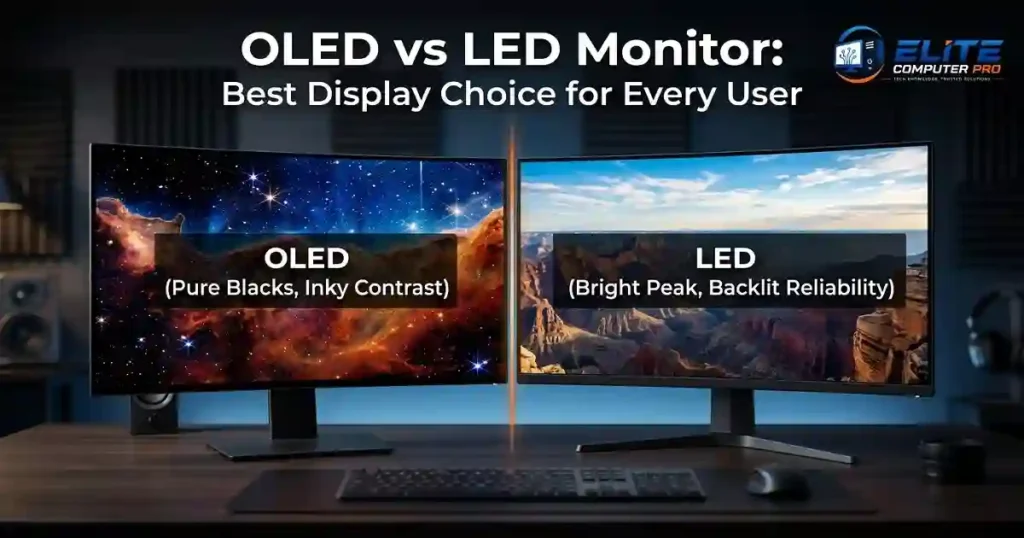
What Is an OLED Monitor?
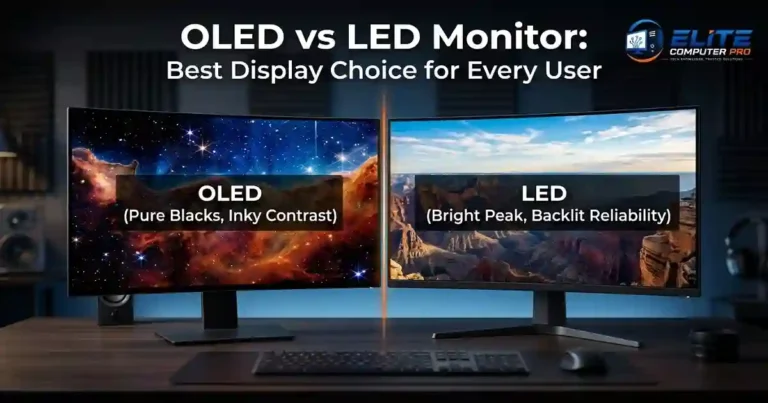
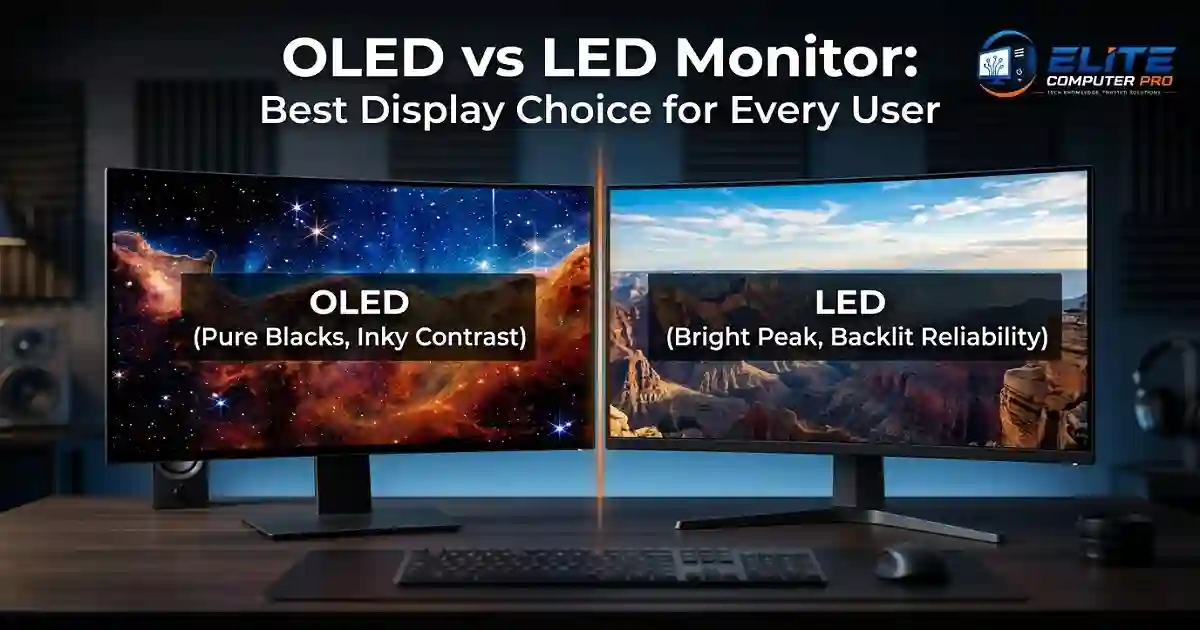
An OLED monitor uses self lighting pixels. Each pixel creates its own light, which means the monitor does not need a separate backlight.
When a pixel turns off completely, it creates true black colors. This is why OLED displays are famous for their deep contrast and premium image quality. OLED stands for Organic Light Emitting Diode.
Main Features of OLED Monitors
- True black colors
- High contrast ratio
- Fast response time
- Excellent viewing angles
- Smooth gaming performance
- Thin and modern design
OLED screens are commonly used in:
- High end gaming monitors
- Professional editing displays
- Premium TVs
- Smartphones
>>>> Read Aslo <<<<
Optimize Windows 11 for Gaming With Better FPS Performance
What Is an LED Monitor?
An LED monitor is actually an LCD monitor with LED backlighting. Instead of each pixel creating its own light, the screen uses a backlight panel to illuminate the display.
LED monitors are the most common monitors available today because they are affordable, reliable, and energy efficient.
Main Features of LED Monitors
- Lower price
- Bright display
- Longer lifespan
- Wide availability
- Suitable for office work and daily use
LED monitors are commonly used in:
- Office setups
- Schools and businesses
- Budget gaming setups
- Home computers
OLED vs LED Monitor
| Feature | OLED Monitor | LED Monitor |
|---|---|---|
| Black Levels | True blacks | Dark gray blacks |
| Contrast Ratio | Excellent | Good |
| Brightness | Moderate to high | Very high |
| Response Time | Extremely fast | Fast |
| Price | Expensive | Affordable |
| Burn-in Risk | Possible | No major risk |
| Lifespan | Slightly shorter | Longer |
| Viewing Angles | Excellent | Good |
| Energy Use | Efficient in dark scenes | Consistent energy use |
| Best For | Gaming and creators | Everyday users |
OLED vs LED Monitor (Picture Quality)
Picture quality is one of the biggest reasons people choose OLED monitors.
Why OLED Looks Better
OLED displays can turn individual pixels completely off. This creates:
- Perfect black levels
- Better shadow details
- Rich colors
- More realistic images
Movies and games look more immersive because dark scenes appear truly dark instead of gray.
>>>> Read Aslo <<<<
Best GPUs for 1440p Gaming in 2026
LED Picture Quality
LED monitors still offer good visuals, especially modern IPS panels. They provide:
- Bright colors
- Sharp text
- Good color accuracy
- Strong daytime visibility
However, LED screens cannot match the contrast quality of OLED displays.
Which Monitor Is Better for Gaming?
Gaming is one area where OLED monitors perform exceptionally well.
OLED for Gaming
OLED gaming monitors offer:
- Ultra fast response times
- Smooth motion handling
- Better HDR performance
- Deep blacks in dark games
- Reduced motion blur
Games like:
- Cyberpunk 2077
- Call of Duty
- Forza Horizon
- Resident Evil
look stunning on OLED screens.
Best for:
- Competitive gaming
- Story driven games
- Console gaming
- HDR gaming
>>>> Read Aslo <<<<
MS Excel Tutorial Guide for Beginners Learning Spreadsheet Skills
LED for Gaming
LED gaming monitors are still excellent, especially for budget gamers.
Many LED monitors now support:
- 144Hz refresh rate
- 240Hz refresh rate
- AMD FreeSync
- NVIDIA G-SYNC
They are more affordable and safer for long gaming sessions.
Best for:
- Budget gaming
- Esports
- Everyday gamers
OLED vs LED Monitor for Office Work
If your main tasks include:
- Browsing
- Microsoft Office
- Emails
- Zoom meetings
- Web research
then an LED monitor is usually enough.
Why LED Works Better for Office Use
LED monitors are:
- More affordable
- Less risky for burn-in
- Bright for daytime use
- Better for static content
Office screens often show the same windows for hours. OLED screens can develop burn-in if static elements remain visible for very long periods.
Examples include:
- Taskbars
- Logos
- Toolbars
- Spreadsheet layouts
OLED vs LED Monitor for Content Creators
Content creators often care about:
- Color accuracy
- Contrast
- Editing precision
OLED for Video Editors and Designers
OLED displays are excellent for:
- Video editing
- Color grading
- Graphic design
- Photography
The deep contrast helps creators see details more clearly.
Popular creative tools include:
- Adobe Photoshop
- Adobe Premiere Pro
- DaVinci Resolve
LED for Creators
Professional IPS LED monitors still perform very well for creators.
They are often:
- More affordable
- More color accurate for long-term use
- Better for bright studios
Understanding Burn-In on OLED Monitors
Burn-in is one of the biggest concerns with OLED displays.
What Is Burn-In?
Burn-in happens when static images stay on the screen for too long, leaving a faint permanent mark.
Examples:
- Channel logos
- Game HUDs
- Desktop icons
- Browser tabs
Is Burn-In Still a Big Problem?
Modern OLED monitors now include:
- Pixel shifting
- Screen refresh tools
- Automatic dimming
- Pixel cleaning systems
These features reduce the risk significantly.
For most users, burn-in is no longer a major issue unless the same static content stays visible every day for many hours.
OLED vs LED Monitor Lifespan
LED monitors generally last longer than OLED monitors.
Average Lifespan
OLED Monitor
- Around 30,000 to 100,000 hours depending on use
LED Monitor
- Often exceeds 100,000 hours
If you use a monitor heavily for office tasks every day, LED may offer better long term durability.
Which Monitor Is Better for Eye Comfort?
Eye comfort depends on several factors:
- Brightness
- Flickering
- Blue light
- Screen coating
OLED Eye Comfort
OLED screens often feel more comfortable in dark rooms because of:
- Better contrast
- Reduced blooming
- Cleaner visuals
LED Eye Comfort
Many LED monitors include:
- Flicker-free technology
- Low blue light modes
- Matte displays
These features help reduce eye strain during work sessions.
OLED vs LED Monitor Price Comparison
Price is often the deciding factor.
OLED Monitor Pricing
OLED monitors are premium products.
Typical price range:
- Mid-range OLED: $700–$1,200
- High-end OLED: $1,500+
LED Monitor Pricing
LED monitors are available for almost every budget.
Typical price range:
- Budget LED: $100–$250
- Gaming LED: $300–$700
- Professional LED: $500–$1,000
Real Experience: Switching From LED to OLED
A freelance video editor upgraded from a 27-inch LED monitor to a 34-inch OLED ultrawide display for editing YouTube videos.
The first thing noticed was the difference in black levels and contrast. Dark scenes looked cleaner, and color grading became easier during nighttime editing.
Gaming after work also felt smoother because motion blur was almost gone.
However, the user later adjusted screen habits by:
- Using auto hide taskbars
- Reducing brightness
- Running pixel cleaning tools weekly
This helped avoid burn-in concerns during long editing sessions.
How to Choose the Right Monitor for Your Needs
Here is a simple step-by-step method to help you decide.
Step 1: Identify Your Main Use
Ask yourself:
- Gaming?
- Office work?
- Video editing?
- Everyday browsing?
Best Choice by Usage
| Usage | Recommended Monitor |
|---|---|
| Competitive Gaming | OLED |
| Casual Gaming | LED |
| Office Work | LED |
| Content Creation | OLED or IPS LED |
| Budget Setup | LED |
| Home Entertainment | OLED |
Step 2: Set Your Budget
If your budget is limited, LED monitors offer better value.
If image quality matters more than price, OLED is worth considering.
Step 3: Check Your Room Lighting
Bright rooms work better with high brightness LED monitors.
Dark rooms look amazing with OLED displays.
Step 4: Choose the Right Size
Popular monitor sizes:
- 24-inch
- 27-inch
- 32-inch
- 34-inch ultrawide
For gaming and productivity, 27-inch and 32-inch monitors are very popular.
Step 5: Look at Refresh Rate
For smooth gaming:
- 120Hz minimum
- 144Hz recommended
- 240Hz for esports
Best OLED Monitor Features to Look For
When buying an OLED monitor, check for:
- HDR support
- 120Hz or higher refresh rate
- HDMI 2.1
- USB-C connectivity
- Burn-in protection
- G-SYNC or FreeSync
Best LED Monitor Features to Look For
Important LED monitor features include:
- IPS panel
- High brightness
- Adaptive sync
- Low blue light mode
- Ergonomic stand
- Thin bezels
OLED vs LED Monitor for PS5 and Xbox
Console gamers often prefer OLED displays because modern consoles support:
- HDR
- 4K gaming
- 120Hz refresh rates
Games look more cinematic on OLED screens.
However, LED monitors remain excellent for:
- Budget console setups
- Multiplayer gaming
- Bright rooms
Compatible consoles include:
- PlayStation 5
- Xbox Series X
Common Myths About OLED Monitors
Myth 1: OLED Screens Burn Instantly
Modern OLED monitors are much safer than older OLED displays.
Myth 2: LED Monitors Have Bad Quality
High-quality IPS LED monitors still deliver excellent visuals.
Myth 3: OLED Is Only for Gamers
OLED is also great for:
- Movie lovers
- Designers
- Video editors
People Searches Related to OLED vs LED Monitor
People searches related keywords such as:
- Best gaming monitor
- OLED display
- LED display
- IPS monitor
- HDR monitor
- Gaming screen
- Monitor buying guide
- Best monitor for work
- 4K monitor
- High refresh rate monitor
FAQ Section
Is OLED better than LED for gaming?
Yes, OLED monitors usually provide better gaming performance because of faster response times, deeper blacks, and smoother visuals.
Do OLED monitors suffer from burn-in?
Modern OLED monitors include protection features that reduce burn-in risk significantly. Normal users rarely experience serious problems.
Which monitor lasts longer: OLED or LED?
LED monitors generally last longer because they do not rely on organic light-emitting materials.
Is OLED worth the extra money?
OLED is worth it if you want premium image quality, cinematic gaming, and excellent contrast.
Are LED monitors good for work?
Yes, LED monitors are ideal for office work, studying, browsing, and business use.
Which monitor is best for video editing?
OLED monitors are excellent for professional video editing because of their contrast and color quality. High-end IPS LED monitors are also a strong option.
Can OLED monitors be used in bright rooms?
Yes, but some LED monitors handle very bright rooms better because they can reach higher brightness levels.
What size monitor is best for gaming?
Most gamers prefer 27-inch or 32-inch monitors for the best balance between immersion and desk space.
Conclusion
Choosing between an OLED and LED monitor depends on your daily needs, budget, and viewing habits.
If you want:
- Stunning visuals
- Deep blacks
- Premium gaming performance
- Cinematic entertainment
then OLED is an excellent choice. If you prefer:
- Lower prices
- Long term durability
- Office productivity
- Bright screen performance
then LED monitors remain one of the smartest and most practical options available.
Both technologies are excellent in their own ways. The best monitor is the one that matches how you actually use your computer every day.
Related: