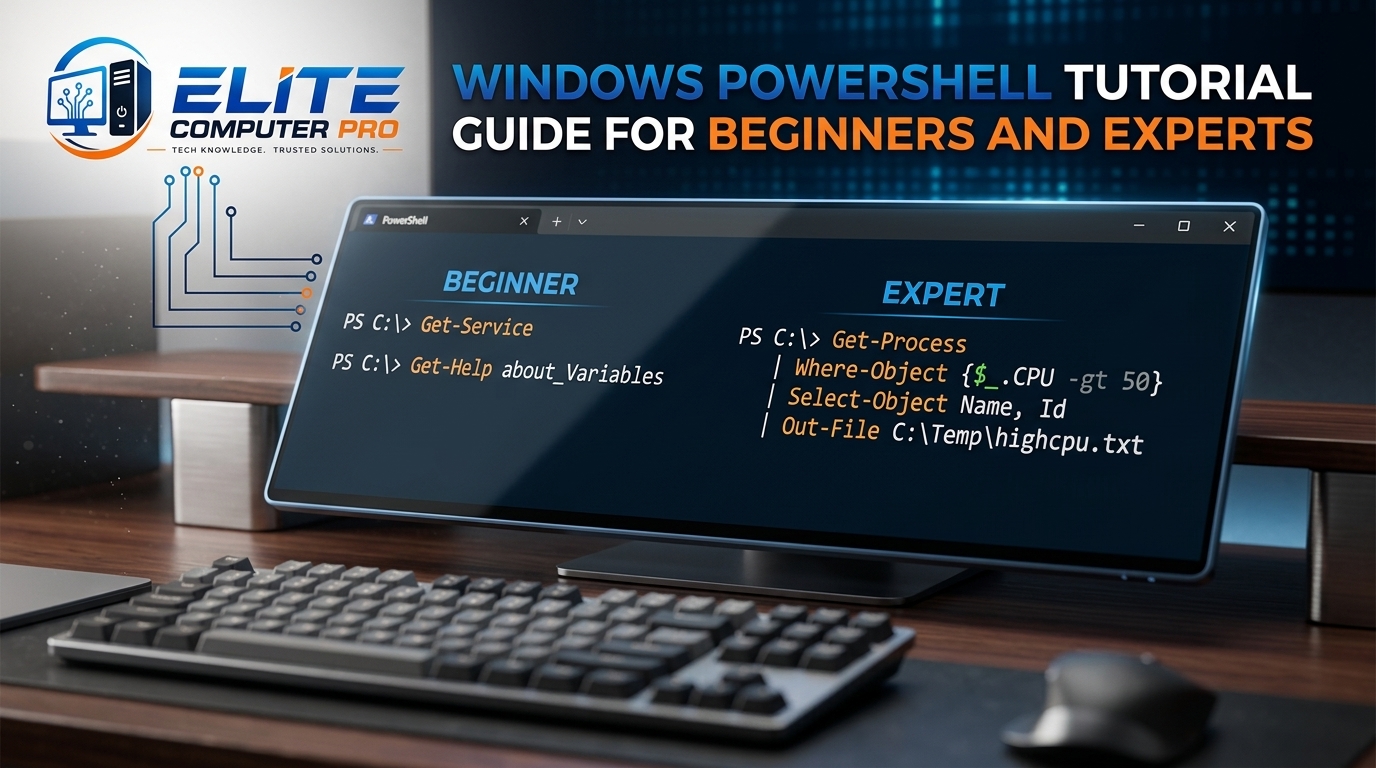
What is Windows PowerShell?
Windows PowerShell is a powerful command line tool and scripting platform created by Microsoft. It helps users automate tasks, manage Windows systems, control files, configure settings, and run scripts more efficiently than the traditional Command Prompt.
Unlike the old Command Prompt, PowerShell is designed for system administration and automation. It uses commands called cmdlets that allow users to perform complex tasks with simple instructions. Whether you are a beginner, IT student, developer, or system administrator, learning PowerShell can save hours of manual work.
Table of Contents
Why Windows PowerShell Matters
PowerShell is built into most latest Windows operating systems including:
- Windows 10
- Windows 11
- Windows Server
It is widely used for:
- System administration
- File management
- Network troubleshooting
- Automation
- Cloud management
- Software deployment
- User account management
Many companies rely on PowerShell because it reduces repetitive work and improves productivity.
Features of Windows PowerShell
1. Command Line Interface
PowerShell allows users to type commands directly into a terminal window.
2. Automation Support
You can automate tasks using PowerShell scripts.
3. Object Based Output
Unlike Command Prompt, PowerShell works with objects instead of plain text.
4. Remote Administration
You can manage remote computers using PowerShell commands.
5. Integration with Microsoft Services
PowerShell works smoothly with:
- Microsoft Azure
- Microsoft 365
- Active Directory
>>>> Read also <<<<
How to Use Command Prompt CMD in Windows
Windows 10 Tutorial Guide for Beginners and Daily Users
Windows 11 Tutorial for Beginners and Advanced Users
How to Open Windows PowerShell
Opening PowerShell is simple.
Method 1: Using Search
- Click the Start Menu
- Type “PowerShell”
- Open “Windows PowerShell”
Method 2: Run as Administrator
- Search for PowerShell
- Right click it
- Select “Run as Administrator”
Administrator mode gives advanced permissions.
Method 3: Using Run Dialog
- Press
Windows + R - Type
powershell - Press Enter
Understanding PowerShell Basics
What are Cmdlets?
Cmdlets are small commands used in PowerShell.
They follow a Verb-Noun format.
Examples:
Get-ProcessGet-ServiceSet-Location
This structure makes commands easier to remember.
Common Windows PowerShell Commands
Get Current Directory
Get-LocationThis command shows your current folder.
List Files and Folders
Get-ChildItemIt works similarly to the dir command.
Change Directory
Set-Location DocumentsMoves you to another folder.
Create a New Folder
New-Item -ItemType Directory TestFolderCreate a File
New-Item test.txtDelete a File
Remove-Item test.txtCopy Files
Copy-Item file.txt D:\BackupMove Files
Move-Item file.txt D:\DocumentsHow PowerShell Differs from Command Prompt
| Feature | PowerShell | Command Prompt |
|---|---|---|
| Output Type | Objects | Text |
| Automation | Advanced | Limited |
| Scripting | Powerful | Basic |
| Remote Management | Yes | Limited |
| Modern Windows Support | Excellent | Basic |
PowerShell is more advanced and flexible.
Understanding PowerShell Syntax
Variables in PowerShell
Variables store information.
Example:
$name = "Ali"Display variable:
Write-Output $nameComments
Use comments for notes.
# This is a commentArrays
Arrays store multiple values.
$colors = "Red","Blue","Green"Useful PowerShell Cmdlets for Beginners
Get-Help
Get-Help Get-ProcessShows help information for commands.
Get-Process
Get-ProcessDisplays running programs.
Stop-Process
Stop-Process -Name chromeStops an application.
Get-Service
Get-ServiceShows Windows services.
Restart-Computer
Restart-ComputerRestarts the PC.
How to Run PowerShell Scripts
Scripts are saved with .ps1 extension.
Example:
hello.ps1Create Your First Script
Open Notepad and write:
Write-Output "Welcome to PowerShell"Save it as:
welcome.ps1Run it in PowerShell:
.\welcome.ps1Understanding Execution Policy
Windows blocks scripts by default for security reasons.
Check policy:
Get-ExecutionPolicyChange policy:
Set-ExecutionPolicy RemoteSignedBe careful while changing security settings.
Practical Example
A small office had hundreds of temporary files filling employee computers every week. Manually deleting them took a lot of time. The IT administrator created a PowerShell script that automatically removed temporary files every Friday evening. This saved hours of work and improved system performance across all office computers.
PowerShell Pipeline Explained
The pipeline sends output from one command to another.
Example:
Get-Process | Sort-Object CPUThis command sorts running processes by CPU usage.
Pipelines make PowerShell extremely powerful.
PowerShell Scripting Basics
If Statements
$num = 10

if ($num -gt 5) {
 Write-Output "Number is greater than 5"
}
Loops
ForEach Loop
$names = "Ali","Ahmed","Sara"

foreach ($name in $names) {
 Write-Output $name
}
Functions
function SayHello {
 Write-Output "Hello User"
}

SayHello
Managing Files with PowerShell
PowerShell can manage thousands of files quickly.
Find Files
Get-ChildItem *.txtSearch Specific Content
Select-String "error" log.txtRename Files
Rename-Item old.txt new.txtNetwork Troubleshooting Commands
Test Internet Connection
Test-Connection google.comCheck IP Address
Get-NetIPAddressDNS Information
Resolve-DnsName google.comSystem Information Commands
View Computer Details
Get-ComputerInfoCheck Disk Space
Get-PSDriveView Running Services
Get-ServicePowerShell for Windows Administration
System administrators use PowerShell daily.
Tasks include:
- Managing users
- Installing software
- Updating systems
- Monitoring servers
- Managing permissions
- Creating reports
Remote Management with PowerShell
PowerShell supports remote administration.
Enable remote access:
Enable-PSRemotingThis feature helps IT teams manage multiple systems remotely.
Installing Software with PowerShell
Modern Windows versions support package management.
Example:
winget install Google.ChromeThis installs the Google Chrome browser.
PowerShell and Cloud Computing
PowerShell is heavily used in cloud environments.
It can manage:
- Virtual machines
- Cloud storage
- User accounts
- Cloud services
Popular platforms include:
- Amazon Web Services
- Microsoft Azure
- Google Cloud
PowerShell ISE vs Windows Terminal
PowerShell ISE
A graphical scripting editor for PowerShell.
Features:
- Script editing
- Syntax highlighting
- Debugging
Windows Terminal
Windows Terminal is a modern terminal application.
Features:
- Tabs
- Multiple shells
- Better customization
- Faster performance
Many professionals now prefer Windows Terminal.
Best Tips for Learning PowerShell
Start Small
Learn simple commands first.
Practice Daily
Spend 15 to 20 minutes daily.
Use Get-Help
The built-in help system is very useful.
Experiment Safely
Practice on test folders instead of important files.
Read Error Messages
PowerShell error messages often explain the problem clearly.
Common PowerShell Errors and Fixes
Script Execution Disabled
Fix:
Set-ExecutionPolicy RemoteSignedAccess Denied
Run PowerShell as Administrator.
Command Not Found
Check spelling carefully.
Security Tips for PowerShell Users
- Avoid running unknown scripts
- Download scripts only from trusted sources
- Keep Windows updated
- Use antivirus software
- Review scripts before running them
Security should always come first.
PowerShell Shortcuts You Should Know
| Shortcut | Function |
|---|---|
| Tab | Auto complete |
| Up Arrow | Previous command |
| Ctrl + C | Stop command |
| Clear | Clear screen |
| Ctrl + R | Search command history |
These shortcuts improve productivity.
Advanced PowerShell Concepts
Modules
Modules add extra functionality. Install a module:
Install-Module PSWindowsUpdateJobs
Run tasks in the background.
Start-JobScheduled Tasks
Automate scripts at specific times using:
- Task Scheduler
Why Businesses Use PowerShell
Companies prefer PowerShell because it:
- Saves time
- Reduces manual work
- Improves consistency
- Simplifies server management
- Supports automation at scale
Large IT infrastructures often depend on PowerShell scripting.
PowerShell for Beginners: Step-by-Step
Step 1: Learn Basic Commands
Focus on navigation and file commands.
Step 2: Understand Pipelines
Practice combining commands.
Step 3: Learn Variables and Loops
Build small scripts.
Step 4: Create Automation Scripts
Automate repetitive tasks.
Step 5: Explore Advanced Modules
Learn cloud and server management.
Actionable PowerShell Tips
- Use
Get Helpbefore trying a new command - Save useful scripts in one folder
- Create backups before bulk file operations
- Use comments inside scripts
- Practice automation regularly
Best Resources to Learn PowerShell
Official Microsoft Documentation
Microsoft Learn PowerShell Docs
Visual Studio Code
Visual Studio Code supports PowerShell extensions for scripting.
Windows Terminal
Great for professional PowerShell usage.
Frequently Asked Questions
What is Windows PowerShell used for?
Windows PowerShell is used for automation, system administration, scripting, file management, and network troubleshooting.
Is PowerShell better than Command Prompt?
Yes. PowerShell is more advanced because it supports scripting, automation, pipelines, and object based commands.
Can beginners learn PowerShell easily?
Yes. Beginners can start with simple commands and gradually move toward scripting and automation.
Is PowerShell safe to use?
Yes, when used carefully. Avoid running unknown scripts from untrusted sources.
Does Windows 11 include PowerShell?
Yes. PowerShell is included in Windows 11 by default.
What is a PowerShell script?
A PowerShell script is a file containing multiple commands saved with the .ps1 extension.
How do I open PowerShell as Administrator?
Search for PowerShell, right click it, and select “Run as Administrator.”
What is the difference between PowerShell and PowerShell Core?
Windows PowerShell works mainly on Windows, while PowerShell Core supports Windows, Linux, and macOS.
Which editor is best for PowerShell scripting?
Visual Studio Code is one of the best editors for PowerShell development.
Can PowerShell automate tasks?
Yes. PowerShell is widely used for automation in businesses and IT departments.
Summary
Learning Windows PowerShell can completely change the way you manage your computer and automate tasks. Even basic PowerShell knowledge can save time, improve efficiency, and make troubleshooting easier.
Start with simple commands, practice regularly, and slowly move toward scripting. Over time, you will be able to automate repetitive work, manage systems more efficiently, and handle advanced administrative tasks confidently.
PowerShell is not only for IT professionals. Students, developers, freelancers, and everyday Windows users can also benefit from learning it. With consistent practice and real experimentation, PowerShell becomes one of the most valuable technical skills for latest Windows users.
Related: