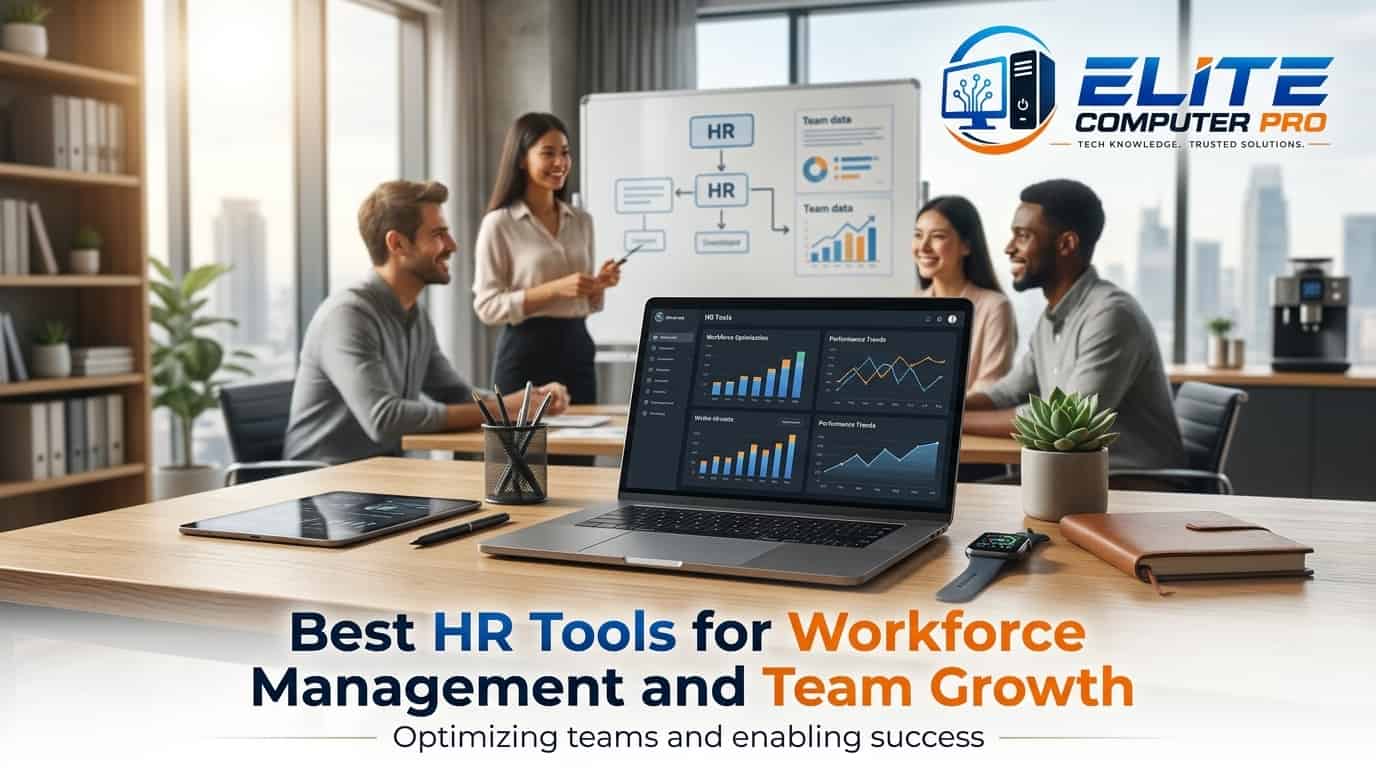
Best HR Tools for Workforce Management
Managing employees is no longer limited to spreadsheets, paperwork, and manual attendance registers. Many modern businesses need smart systems that help with hiring, payroll, attendance, communication, employee engagement, and performance tracking.
The best HR tools for workforce management help companies save time, improve productivity, and create a better employee experience. Whether you run a startup, an online business, a retail store, or a large company, the right HR software can simplify daily operations.This guide explains the top HR tools, their features, benefits, pricing ideas, and how to choose the right one for your business. You will also learn practical tips, real use cases, and step-by-step guidance to improve workforce management.
Table of Contents
What Are HR Tools for Workforce Management?
HR tools are software platforms designed to manage employee related tasks. Businesses use HR software to reduce manual work and improve employee satisfaction. These tools help HR teams automate routine work and organize workforce operations more efficiently.
A workforce management system usually includes:
- Employee attendance tracking
- Payroll management
- Recruitment and onboarding
- Performance monitoring
- Leave management
- Employee scheduling
- Team communication
- Compliance management
- Reporting and analytics
Why Businesses Need HR Management Software
Companies are growing faster, remote work is increasing, and employee expectations are changing. Managing teams manually often creates errors and delays. Here are some major reasons businesses use HR tools, which are listed below:
1. Saves Time
Automation reduces repetitive tasks like attendance calculation, payroll processing, and leave approvals.
2. Improves Accuracy
Manual calculations can lead to payroll mistakes and compliance issues. HR software minimizes human error.
3. Better Employee Experience
Employees can access payslips, apply for leave, update profiles, and track attendance from one dashboard.
4. Supports Remote Teams
Cloud-based HR platforms allow managers to track employees from anywhere.
5. Helps in Decision Making
Analytics and reports help businesses understand employee performance and workforce trends.
>>>> Read Also <<<<
Marketing Tools Directory A to Z for Business Growth Guide
Accounting Software Directory Guide for Businesses
Windows PowerShell Tutorial Guide for Beginners and Experts
Key Features to Look for in HR Software
Not every HR tool offers the same features. Before choosing software, check whether it matches your business needs.
Employee Database Management
A centralized employee profile system keeps all records organized.
Attendance and Time Tracking
This feature records employee work hours and overtime automatically.
Payroll Processing
Payroll tools calculate salaries, deductions, taxes, and bonuses.
Recruitment Management
Hiring systems help HR teams post jobs, track applications, and onboard employees.
Performance Management
Managers can track employee goals, reviews, and productivity.
Mobile Accessibility
Mobile apps allow employees to use HR services from smartphones.
Reporting and Analytics
Reports help managers monitor attendance, workforce costs, and employee trends.
Best HR Tools for Workforce Management
Here are some of the most popular and reliable HR management tools used by businesses worldwide.
1. BambooHR
BambooHR is a popular HR management platform designed mainly for small and medium businesses.
Main Features
- Employee records management
- Leave tracking
- Hiring and onboarding
- Performance management
- Reporting dashboard
Best For
Small and medium sized businesses looking for an easy to use HR system.
Advantages
- Clean and simple interface
- Easy onboarding process
- Cloud based access
- Helpful reporting tools
Limitations
- Advanced payroll features may require extra integrations
2. Workday
Workday is widely used by large enterprises for workforce planning and HR analytics.
Main Features
- Workforce planning
- Payroll management
- Talent acquisition
- Employee analytics
- Financial management
Best For
Large organizations with complex HR operations.
Advantages
- Powerful analytics
- Scalable system
- Advanced workforce insights
Limitations
- Higher pricing for smaller companies
- Requires training for advanced use
3. Zoho People
Zoho offers Zoho People as part of its business software ecosystem.
Main Features
- Attendance management
- Shift scheduling
- Employee self-service
- Performance tracking
- HR automation
Best For
Businesses already using Zoho products.
Advantages
- Affordable pricing
- Easy integrations
- Mobile friendly platform
Limitations
- Some advanced customizations may feel limited
4. ADP Workforce Now
ADP is one of the most trusted payroll and workforce management platforms.
Main Features
- Payroll processing
- Benefits administration
- Time tracking
- Tax compliance
- Employee scheduling
Best For
Businesses needing reliable payroll and compliance management.
Advantages
- Strong payroll features
- Excellent compliance support
- Detailed reporting
Limitations
- Interface may feel complex for beginners
5. Gusto
Gusto is especially popular among startups and small businesses.
Main Features
- Payroll automation
- Employee benefits
- Hiring tools
- Tax filing
- Time tracking
Best For
Startups and growing companies.
Advantages
- Simple setup
- User friendly interface
- Great customer support
Limitations
- Limited advanced enterprise features
6. SAP SuccessFactors
SAP provides SuccessFactors for enterprise workforce management.
Main Features
- Employee experience management
- Talent management
- Workforce analytics
- Learning systems
- Succession planning
Best For
Large enterprises with global teams.
Advantages
- Strong enterprise capabilities
- Advanced analytics
- Scalable for large organizations
Limitations
- Higher implementation cost
7. Rippling
Rippling combines HR and IT management in one platform.
Main Features
- Employee onboarding
- Payroll
- Device management
- App access control
- Workflow automation
Best For
Tech companies and remote businesses.
Advantages
- Strong automation features
- Easy employee onboarding
- IT and HR integration
Limitations
- Some features require additional modules
8. Paycor
Paycor offers workforce management solutions for businesses of different sizes.
Main Features
- Payroll management
- Recruiting tools
- Scheduling
- Employee engagement
- Learning management
Best For
Companies focused on workforce engagement and retention.
Advantages
- Good reporting system
- Employee friendly tools
- Mobile access
Limitations
- Custom pricing may vary
How to Choose the Best HR Software
Selecting the right HR platform depends on your company size, budget, and goals. Follow these steps before making a decision.
Step 1: Identify Your Business Needs
Ask yourself:
- Do you mainly need payroll software?
- Do you want employee monitoring?
- Are you hiring frequently?
- Do you need remote workforce tracking?
Understanding your priorities helps narrow down options.
Step 2: Set Your Budget
Some HR tools charge per employee while others use monthly plans.
Consider:
- Setup costs
- Subscription fees
- Training expenses
- Integration costs
Step 3: Check Integration Options
Your HR software should work smoothly with:
- Accounting software
- CRM systems
- Communication tools
- Payroll systems
Step 4: Test the User Experience
Choose software that employees and HR teams can use easily without extensive training.
Step 5: Review Security Features
Employee data is sensitive. Make sure the software provides:
- Data encryption
- Role-based access
- Secure cloud storage
- Compliance support
Benefits of Workforce Management Software
Using the best HR tools for workforce management offers many long term benefits.
Better Workforce Productivity
Managers can track schedules, attendance, and workloads more effectively.
Faster Recruitment
Hiring platforms speed up candidate screening and onboarding.
Improved Employee Retention
Employee engagement features help create a better work environment.
Reduced Administrative Work
Automation handles repetitive HR tasks.
Real Time Insights
Analytics help businesses make smarter workforce decisions.
Practical Example: How a Small Business Improved HR Operations
A small digital marketing agency with 25 employees was managing attendance and payroll manually through spreadsheets. Employees often complained about delayed salary calculations and leave approval confusion. The company switched to Gusto for payroll and employee management.
Within three months:
- Payroll processing time dropped from two days to two hours
- Leave tracking became automated
- Employees accessed payslips online
- HR complaints reduced significantly
The owner also noticed improved employee satisfaction because processes became more transparent. This example shows how even small businesses can benefit from workforce management software.
Common Challenges Businesses Face Without HR Software
Businesses relying on manual HR systems often struggle with:
- Payroll mistakes
- Attendance errors
- Lost employee records
- Delayed recruitment
- Poor communication
- Compliance risks
These issues can affect employee trust and overall productivity.
Cloud Based HR Software vs On-Premise Systems
Businesses often compare cloud based HR platforms with traditional on-premise systems.
Cloud Based HR Software
Benefits
- Accessible from anywhere
- Lower setup costs
- Automatic updates
- Better remote access
Drawbacks
- Requires internet access
- Monthly subscription fees
On-Premise HR Software
Benefits
- Full internal control
- Offline access possible
Drawbacks
- Higher maintenance costs
- Requires technical management
Most modern businesses now prefer cloud based HR tools because of flexibility and scalability.
Best HR Tools for Remote Teams
Remote work has changed workforce management completely. Here are some tools suitable for remote businesses:
| Tool | Best Feature |
|---|---|
| BambooHR | Employee management |
| Rippling | IT and HR automation |
| Zoho People | Attendance tracking |
| Slack Integration | Team communication |
| Trello Integration | Task management |
Remote workforce management becomes easier when HR systems connect with collaboration platforms.
Tips to Improve Workforce Management
Even the best HR software works better when paired with good management practices.
Create Clear Policies
Employees should understand attendance, leave, and performance policies.
Use Automation Wisely
Automate repetitive tasks but maintain human interaction where needed.
Train Employees
Teach employees how to use the HR platform properly.
Monitor Employee Feedback
Regular feedback helps improve workplace culture.
Analyze Reports Regularly
HR analytics can reveal workforce trends and performance gaps.
Important HR Metrics Businesses Should Track
Modern HR software helps monitor valuable metrics.
Employee Turnover Rate
Tracks how many employees leave the company.
Attendance Rate
Measures employee punctuality and attendance consistency.
Recruitment Time
Shows how long hiring processes take.
Employee Satisfaction
Helps measure workplace happiness and engagement.
Payroll Accuracy
Ensures salary calculations remain error-free.
AI and Automation in HR Management
Artificial intelligence is improving HR software rapidly. Modern HR systems now offer:
- AI powered recruitment screening
- Automated resume filtering
- Chatbots for employee support
- Predictive workforce analytics
- Smart attendance systems
AI helps HR teams focus more on people and less on repetitive tasks.
Mistakes to Avoid When Choosing HR Software
Many businesses make avoidable mistakes while selecting HR tools.
Ignoring Scalability
Choose software that can grow with your business.
Focusing Only on Price
Cheap software may lack important features.
Not Testing the Platform
Always request demos or trial versions.
Ignoring Employee Experience
If employees dislike using the software, adoption becomes difficult.
Overcomplicating Processes
Avoid tools with unnecessary complexity.
Future Trends in Workforce Management
The HR industry is evolving quickly. Here is the rewritten version with a short, cohesive paragraph:
Future Trends in Workforce Management
The HR industry is evolving rapidly, driven by the rise of remote first systems, hybrid work management tools, and advanced biometric attendance tracking. To optimize performance and support teams, organizations are increasingly leveraging AI-driven employee analytics, wellness monitoring, and sophisticated people analytics. Ultimately, businesses that adopt these modern workforce management systems early are positioning themselves to gain a major competitive advantage.
Some future trends include:
- AI-driven employee analytics
- Remote first HR systems
- Biometric attendance tracking
- Employee wellness monitoring
- Hybrid work management tools
- Advanced people analytics
Frequently Asked Questions
What is the best HR tool for small businesses?
Gusto and BambooHR are excellent choices for small businesses because they are easy to use and affordable.
Which HR software is best for payroll management?
ADP is widely known for reliable payroll and tax management features.
Can HR software help remote teams?
Yes, cloud-based HR platforms help remote teams manage attendance, communication, payroll, and employee engagement from anywhere.
Is workforce management software expensive?
Pricing varies depending on features and company size. Many platforms offer affordable plans for startups and small businesses.
What features should HR software include?
Important features include payroll management, attendance tracking, recruitment tools, reporting, performance monitoring, and employee self-service.
How does HR software improve productivity?
HR tools automate repetitive tasks, reduce manual errors, and help managers organize workforce operations more efficiently.
Is cloud-based HR software secure?
Most modern HR platforms use data encryption, secure servers, and role-based access to protect employee information.
Quick Overview
The best HR tools for workforce management help businesses organize employees, improve productivity, and reduce administrative stress. Whether you run a startup or a large enterprise, choosing the right HR software can transform the way your company operates.
The platforms like BambooHR, Workday, Zoho, ADP, and Rippling each offer unique advantages for different business needs.
Before selecting software, focus on your workforce size, management goals, budget, and future growth plans. A good HR platform should simplify operations, support employees, and help your business scale smoothly. When used correctly, workforce management software becomes more than just an HR tool. It becomes a central system that supports business growth, employee satisfaction, and long term operational success.
Related: